

Automation shows up in three forms
Rules, process and integration
01 · Rule-based automation
The user configures event → condition → action. The behavior is declared by the publisher.
02 · Process automation
Pipelines that run on their own, eliminating manual work. The behavior belongs to the platform itself.
03 · External integration
Webhooks and nodes that connect the platform to third-party systems — CRM, n8n, e-commerce.
Block 1
Rule-based automation
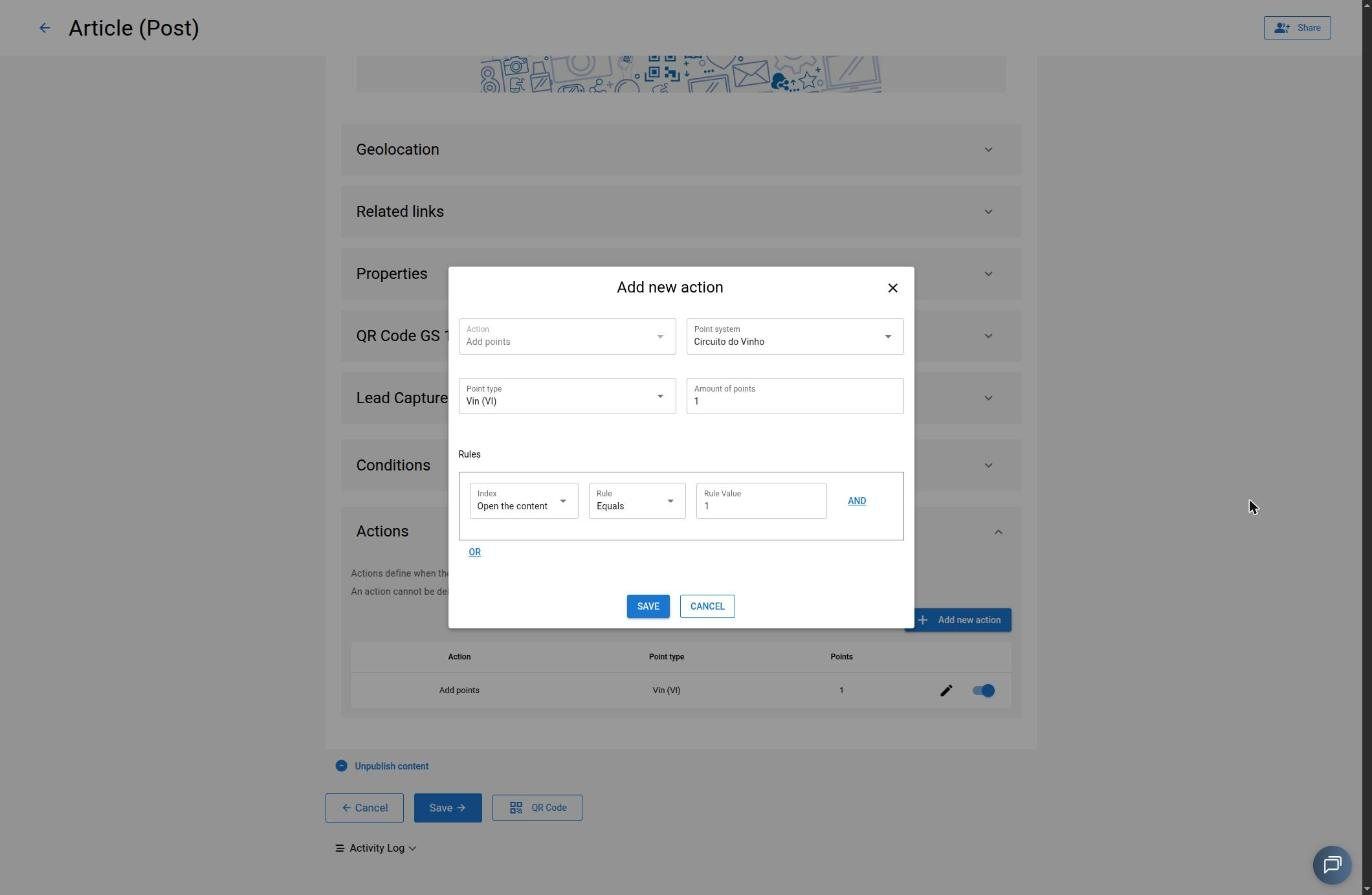
The user defines actions with rules, operators and values; the platform triggers them per condition.
Action / rule engine
Core
A generic engine: defines actions with rules, operators and values that trigger automations, with batch execution and recursive application to child content. This is the base all other rules run on.
Points actions per interaction
Studio
Rules in the editor’s “Actions” tab that grant or debit points based on end-user interaction — sharing, opening or deleting — with a comparator (equals / greater than), a value, and AND/OR combinable rules. The engine’s most visible application.
New-user automation
Core
Automatic action triggered when a user is added to an applabel.
Block 2 · Process
Process automation
Pipelines and automated routines that run on their own, without human intervention.
Spotlight · Smart import
AI-powered smart import
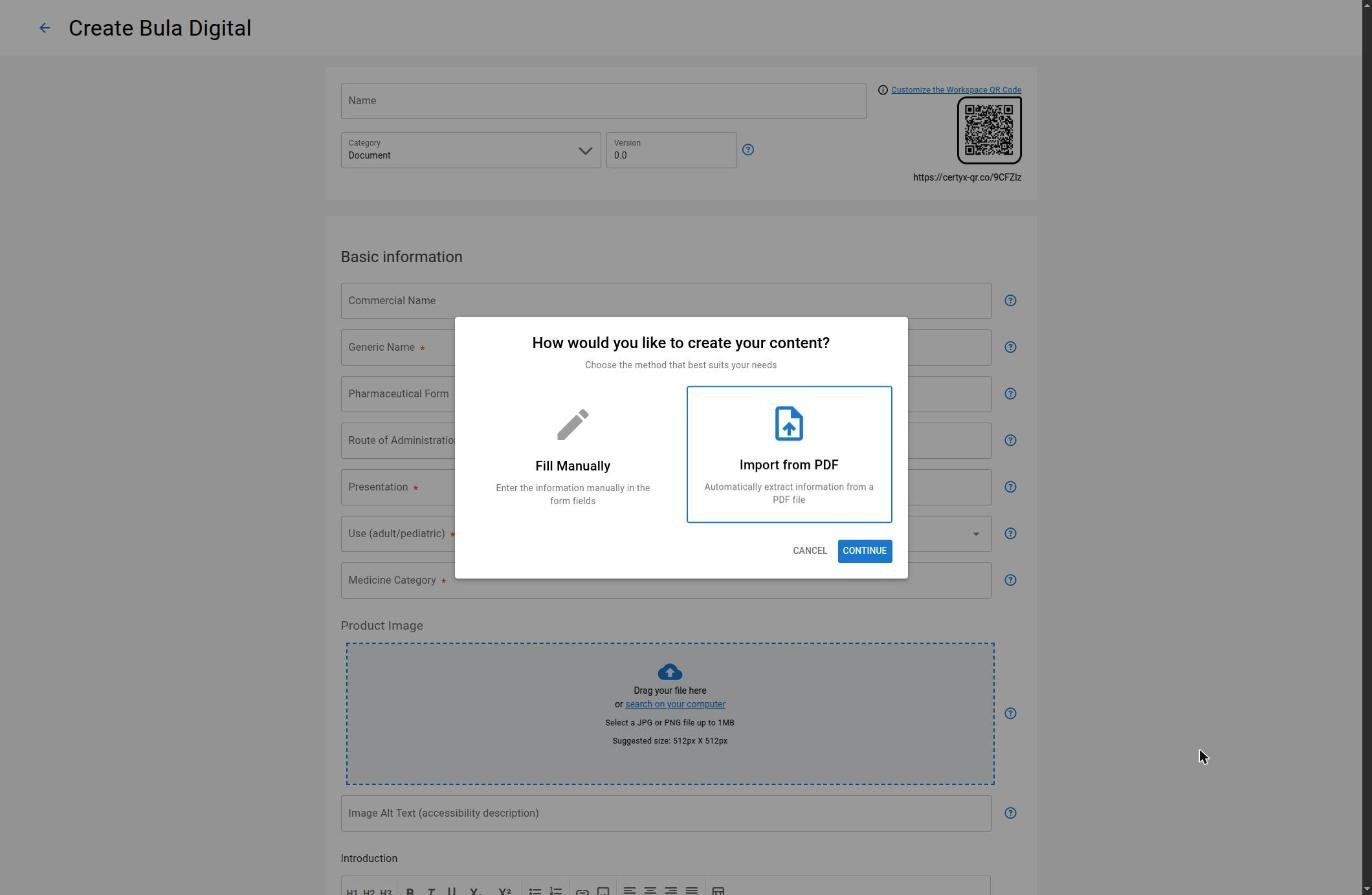
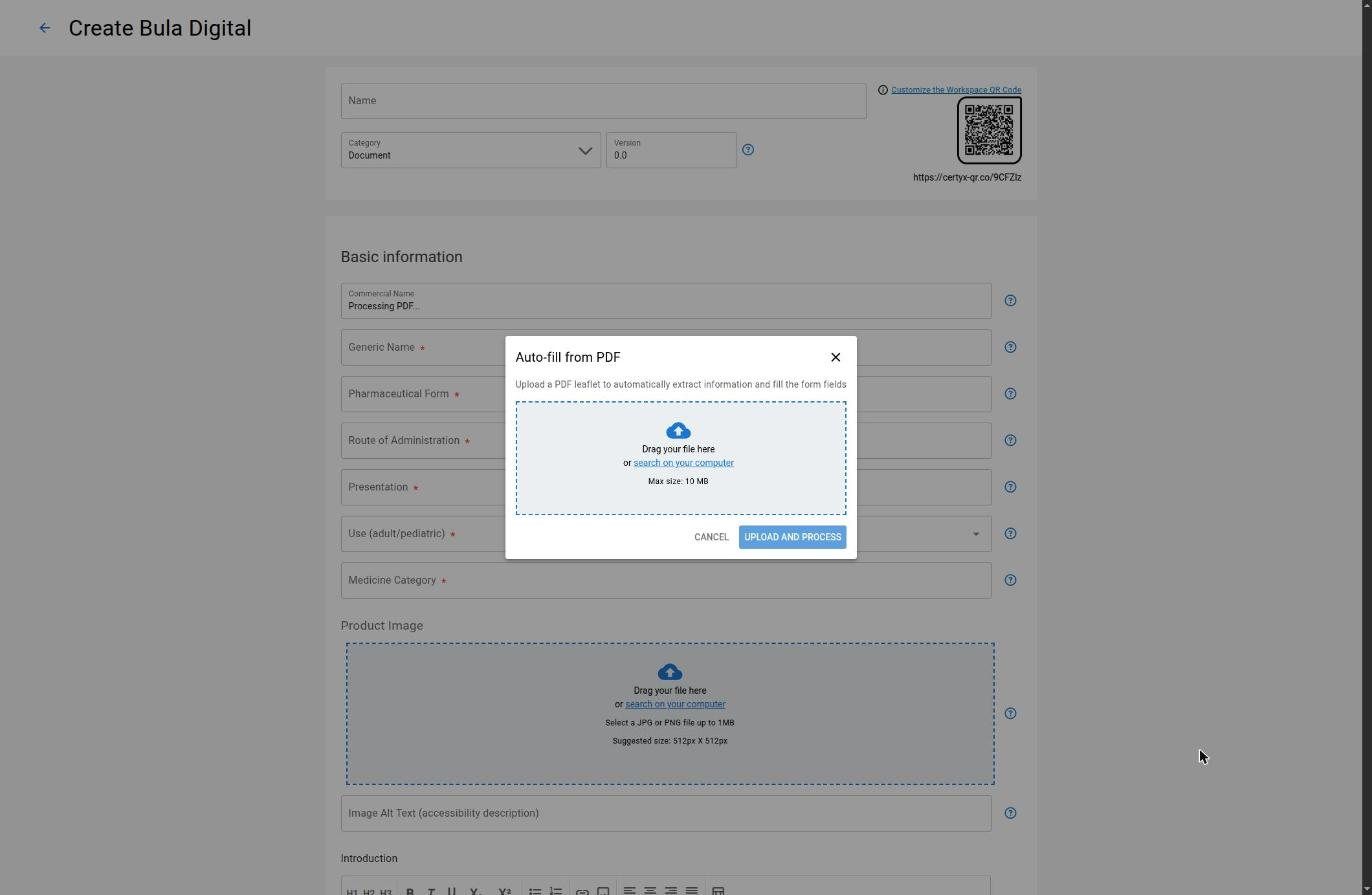
A pipeline that turns a raw document — a PDF package insert, for example — into structured, mobile-friendly content, with no manual work. Each step triggers the next, from the trigger to the final generation.
Core Smart Import & AI
The pipeline, step by step
- Event trigger on PDF upload — validates environment and metadata
- PDF → Markdown with OCR and artifact correction
- AI-driven structured extraction into JSON, with schema validation
- Sanitized HTML and character normalization
- Cost control: tokens, quota and per-call cost
- AI text/HTML and image generation, with usage logging
Content-flow automations
Publishing schedule
CoreStudio
Automatically publish and unpublish by date/time.
Automatic emancipation
Lite
When the target is a serialized QR, emancipation happens automatically when the content is opened.
Automatic points accrual
Studio
Accrues on sale confirmation, according to the conversion factor.
Offline work (sync)
Mobile
Local storage of captures and asynchronous background sync once a connection is available.
Block 3 · External integration
External-integration automation
Webhooks and nodes that connect the platform to third-party systems — CRM, n8n, e-commerce.
Private integration (webhook)
Core
A custom webhook to fetch/write data in external systems (e.g. CRM), with automatic field detection, field mapping, an exportable flag, and printed reference.
Sending responses to webhook
Core
Queued, typed responses delivered as a webhook payload — consumable by automation tools (e.g. n8n).
Midiacode n8n node
Core
Content operations (create, read, update, publish, search, link, push) via Midiacode Core directly inside n8n.
Magento integration
Core
Connection to Magento / Adobe Commerce to publish content and fetch products.
E-commerce sync (Magento)
Core
Automatic creation/update of a CMS page in Magento / Adobe Commerce at the moment of publishing.
User Data integration
CoreStudioMobile
A fetch/write webhook that enriches the user’s profile and data — with automatic field detection and mapping — also triggered on export. Part of the Data Collector flow, present in Core, Studio and Mobile.
“Live” response CSV
Core
Continuous feed of Smart Form responses into a CSV, with routes per form and per workspace — the engine behind Studio’s live CSV.
Talk to our specialists
Automate the work around your content
Rules, pipelines and integrations with your CRM, n8n and e-commerce — scoped with our specialists.