

The publisher’s workbench
One master account, unlimited publishers
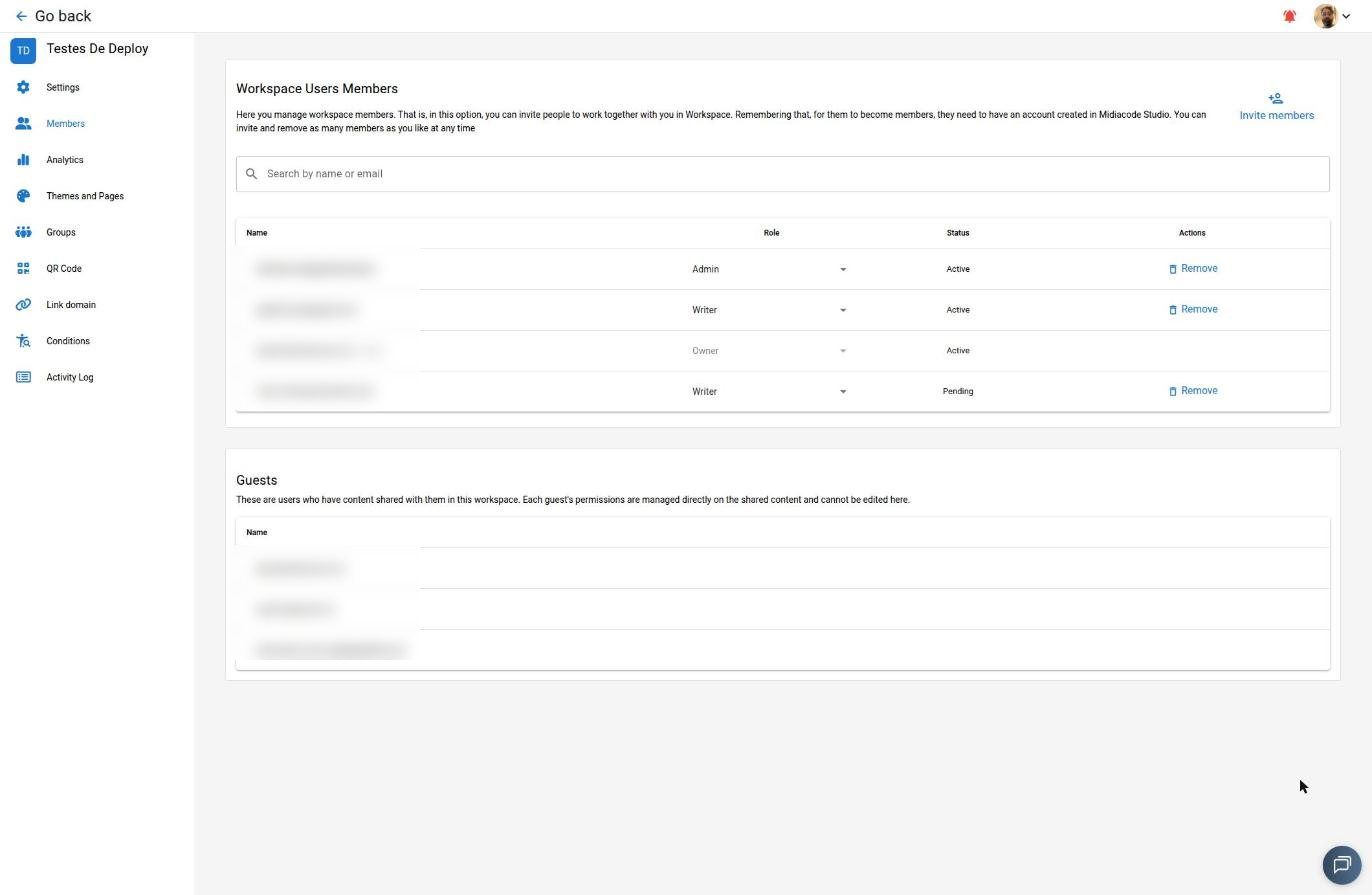
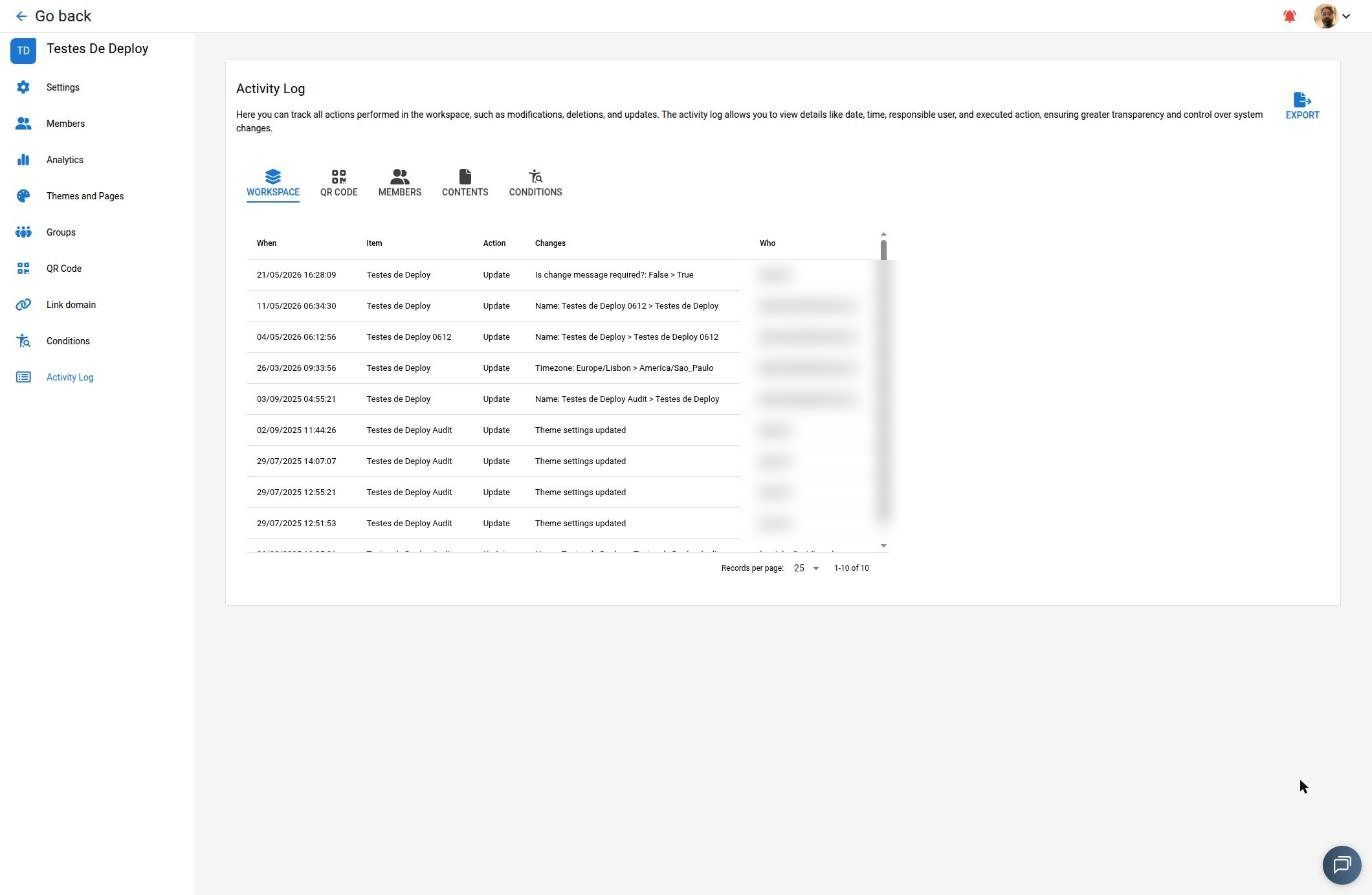
Workspaces organize content, members and permissions — with Owner, Admin, Writer, Reader and Guest roles, access groups (ACL) and a full audit trail exportable as PDF.
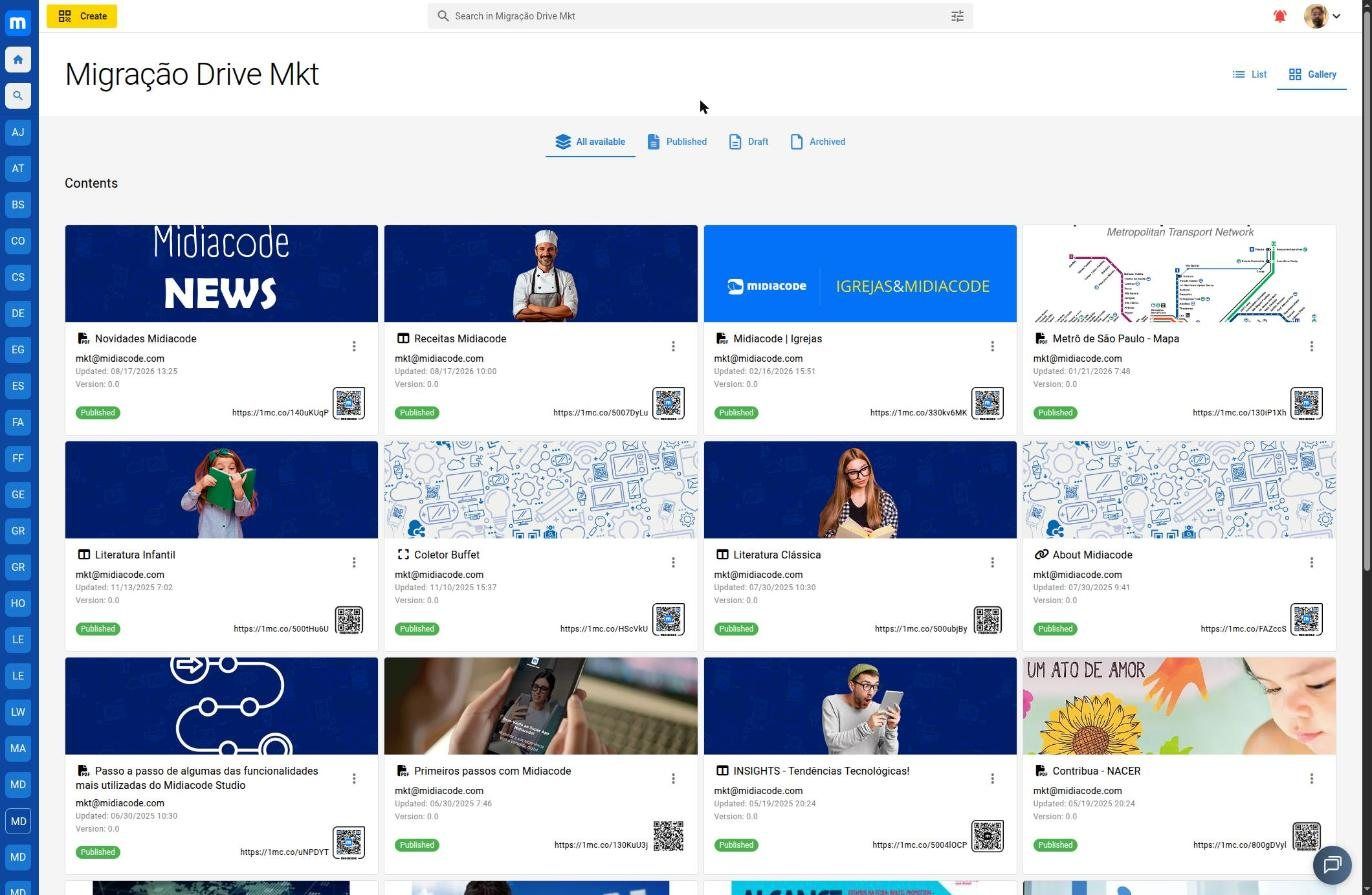
The library shows everything in a grid or list, with search and filters by status: Published, Drafts and Archived. Each piece of content carries its own version, QR code, 1mc.co short link and embedded analytics right on the card.
One button, 23 paths
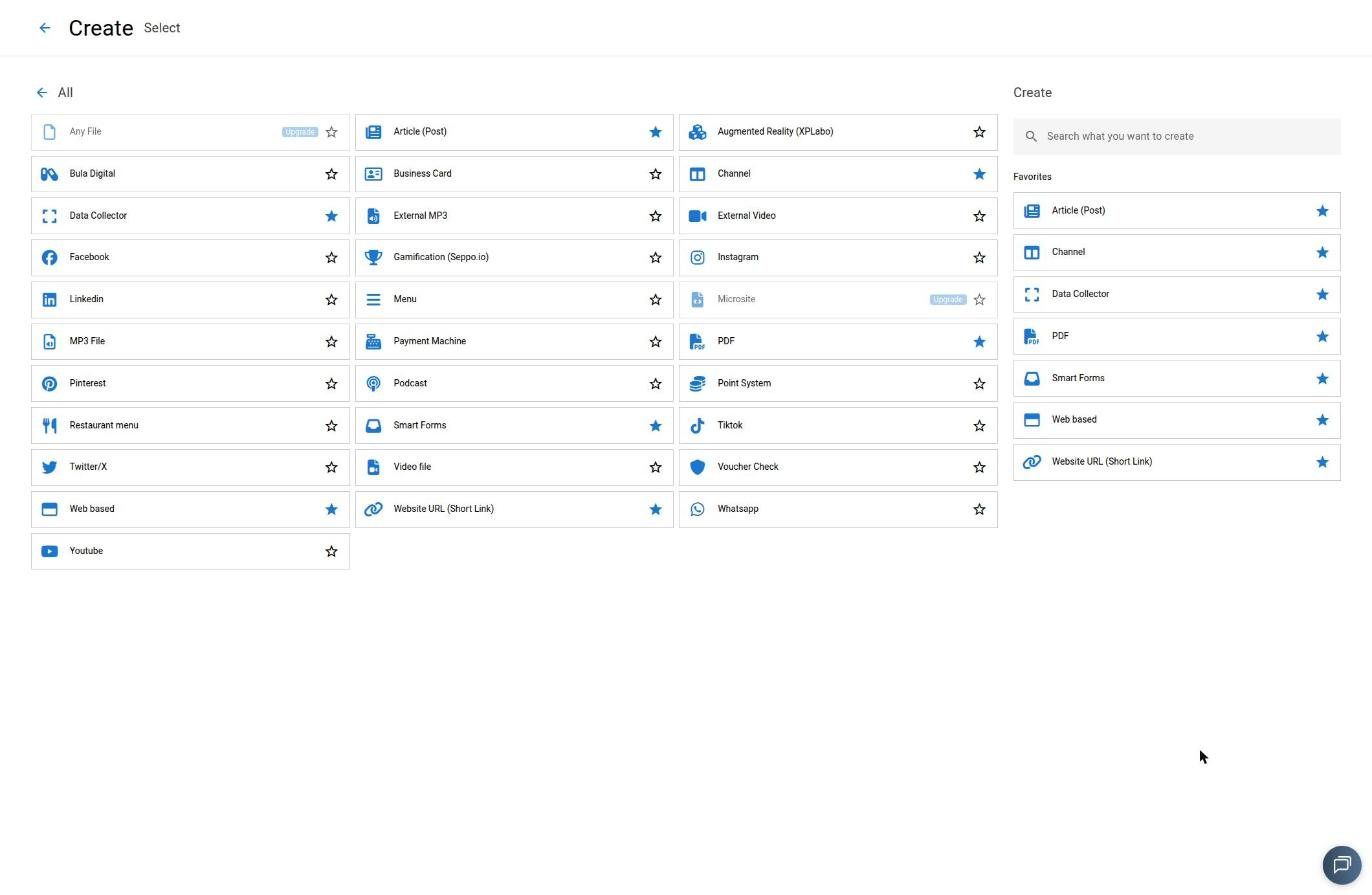
23 creatable content types
From the digital business card to the points mini-app. Click CREATE, pick the category and the type — each with its own editor, properties and publishing rules.
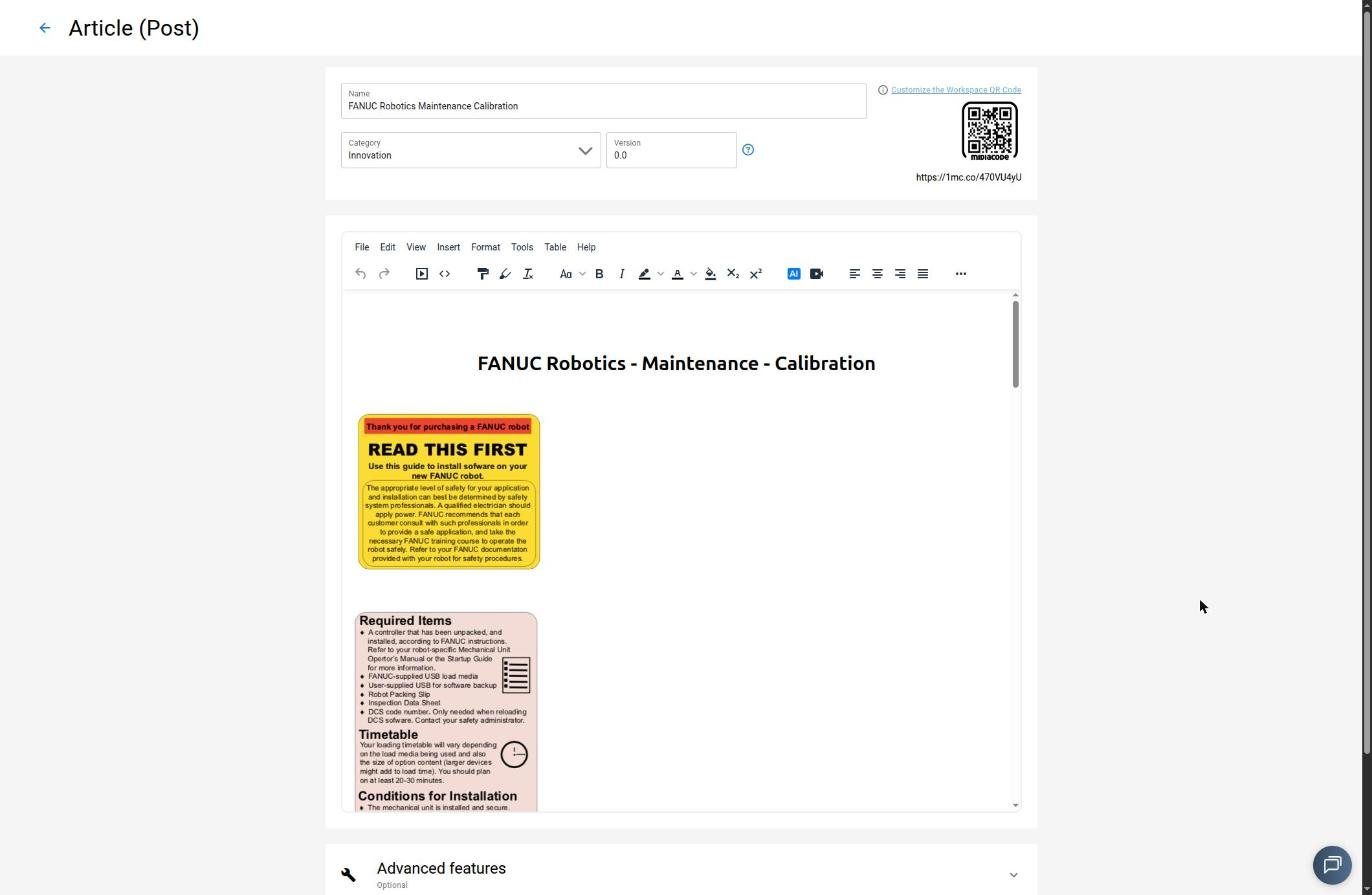
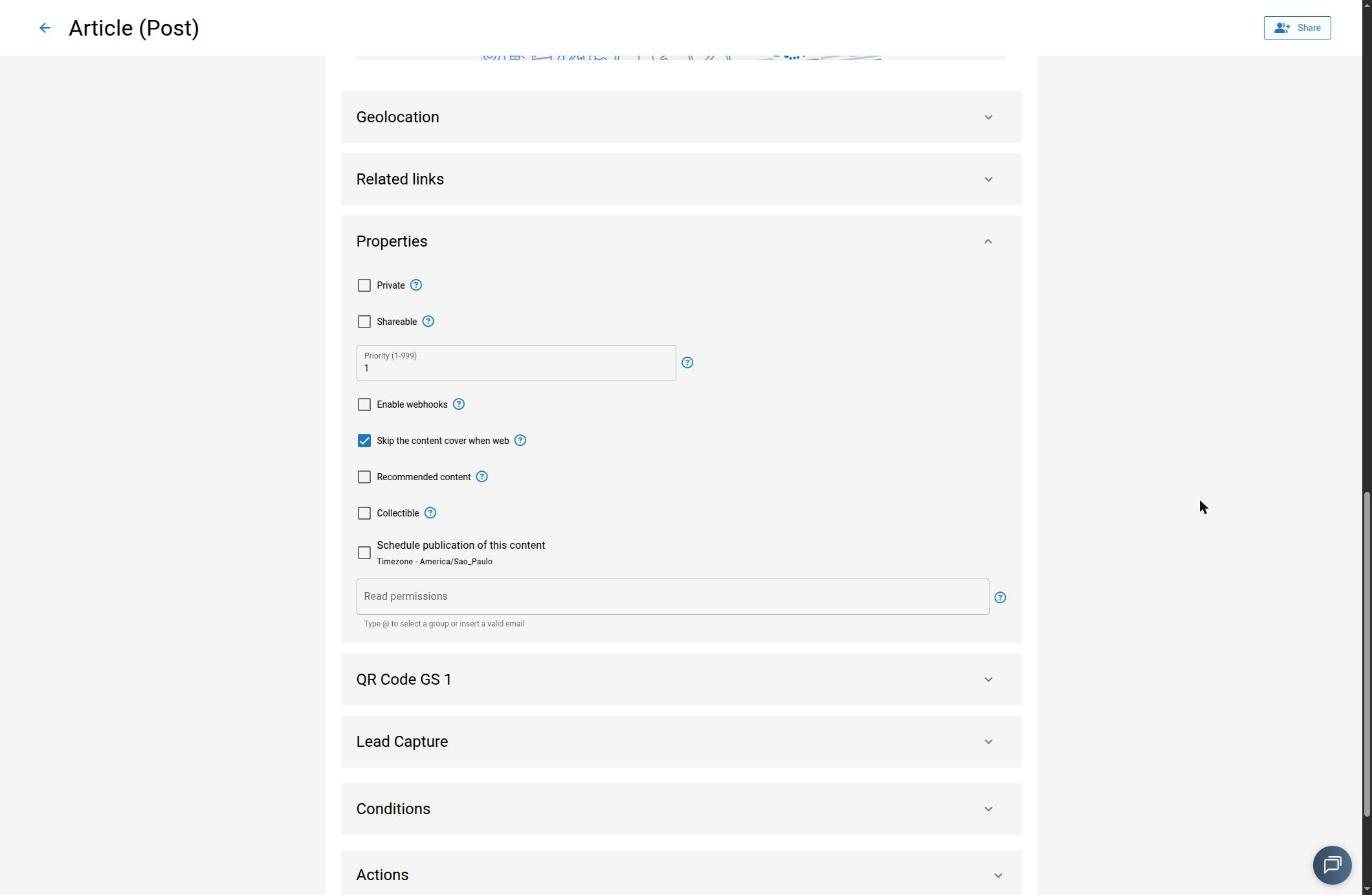
Properties each type exposes
Each type also defines whether it accepts related links and lead capture. In Studio, types are also browsable by category: Document, Media host, Media links, Mobile Experience, Social Networks, Food, Game, Augmented Reality, Pay and Other.
When the form is the content
Smart Forms, smart capture & the Super App manager
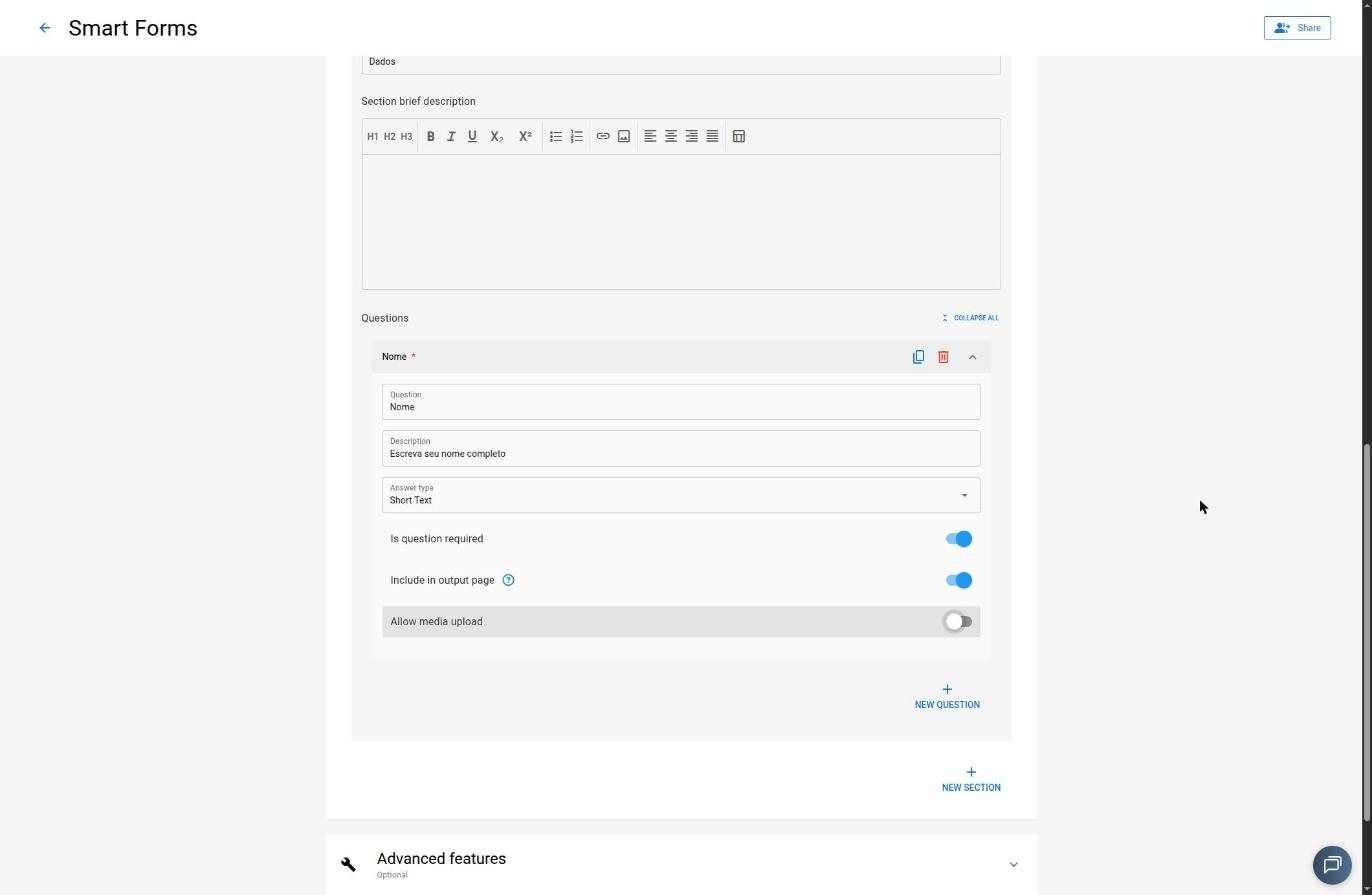
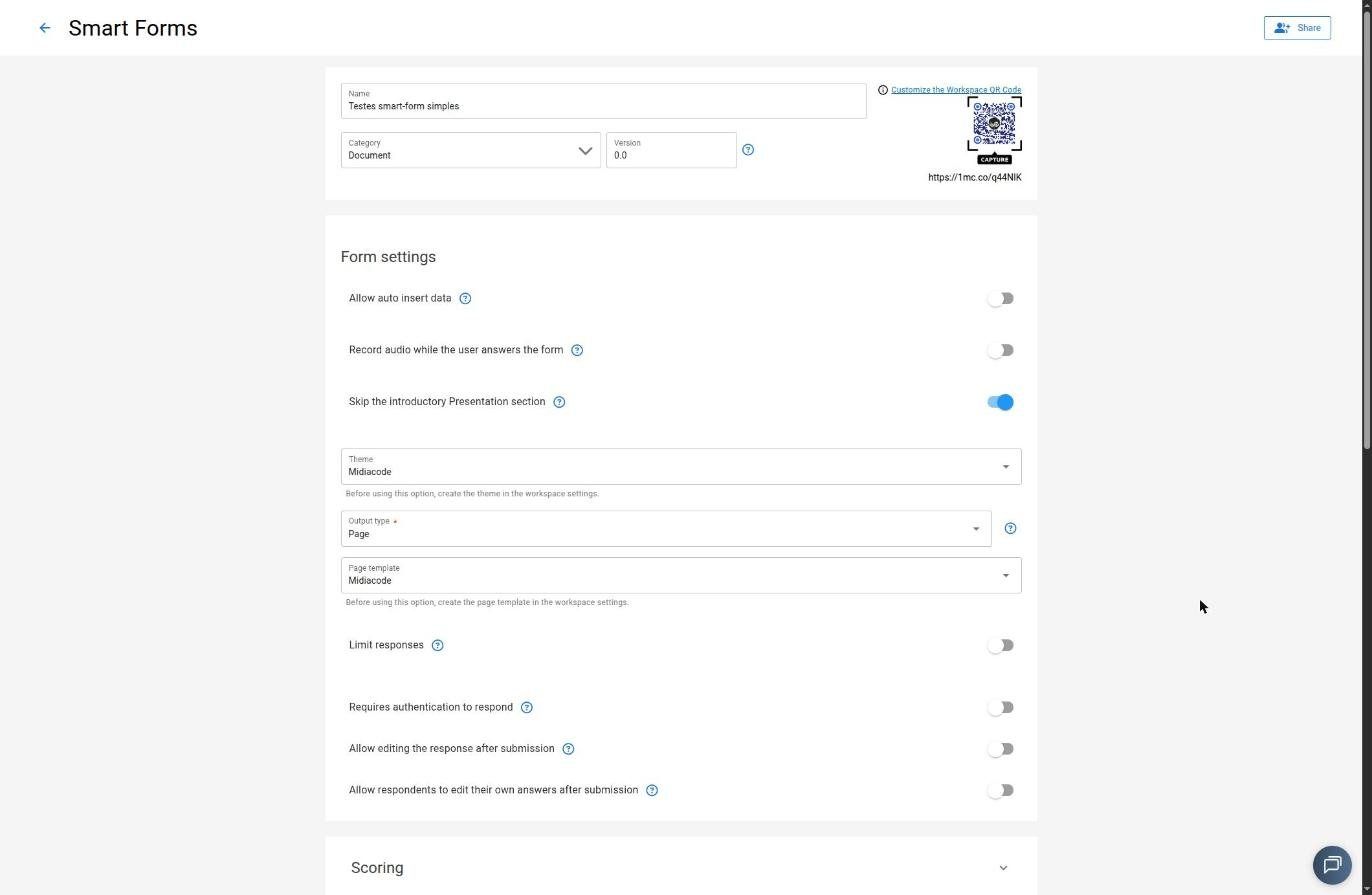
Smart Forms are a content type where the form itself is the deliverable. A question builder with typed, semantic fields (people.name, people.phone) produces a result page at the end — which in inspection flows becomes a report or certificate lookupable by QR.
Binary pass/fail answers turn into check/x marks; the verdict — Approved / Rejected / Approved with remarks — shows in color at the top. There’s a response cap, authentication, editing, and a “live” CSV plus per-workspace webhook.
Auto-fill by capture
QR, business card or receipt fill the fields via OCR. The user decides whether to use the data and can correct anything OCR misread.
Lead Capture & surveys
A mandatory gate captures visitor data before unlocking the content — distinct from Smart Forms — with lead download.
Publisher support — a welcome flow with videos and tooltips, server status, and help via chat and WhatsApp, right inside Studio.
App Manager
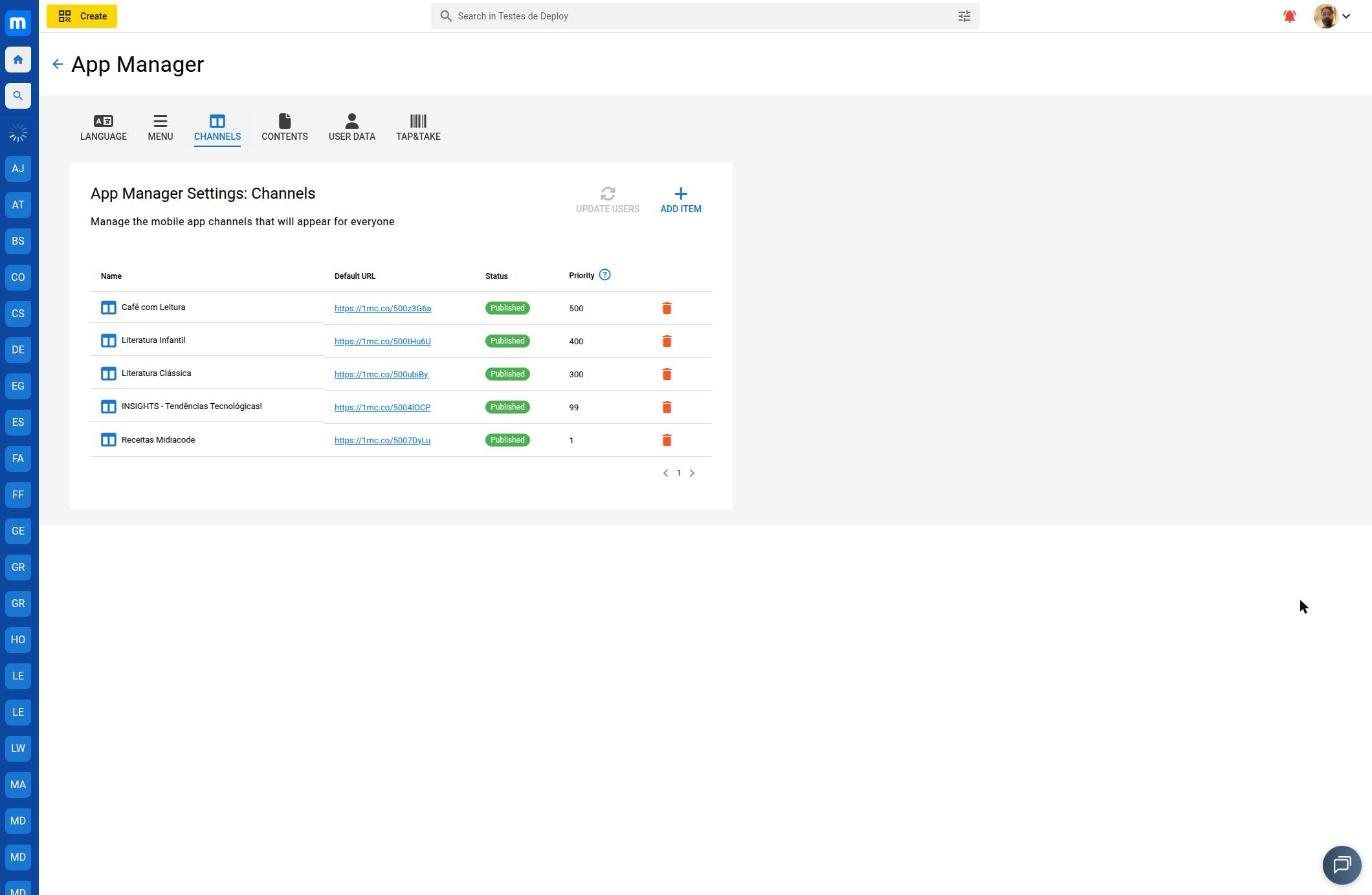
Configure the Super App without a release
Language, menu, channels, preload content, and the data required at user registration.
Every scan becomes data
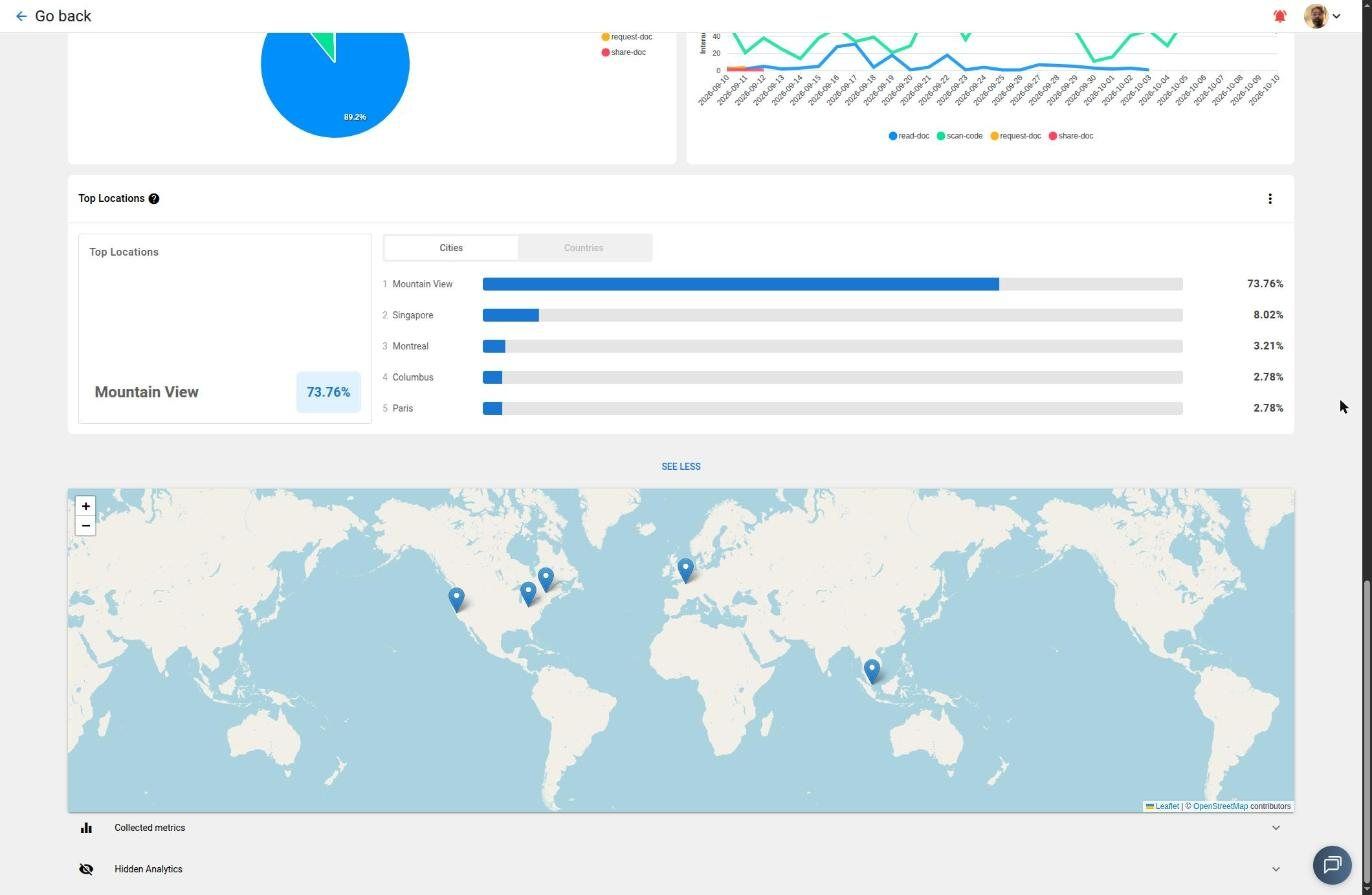
Analytics at 4 levels, with AI
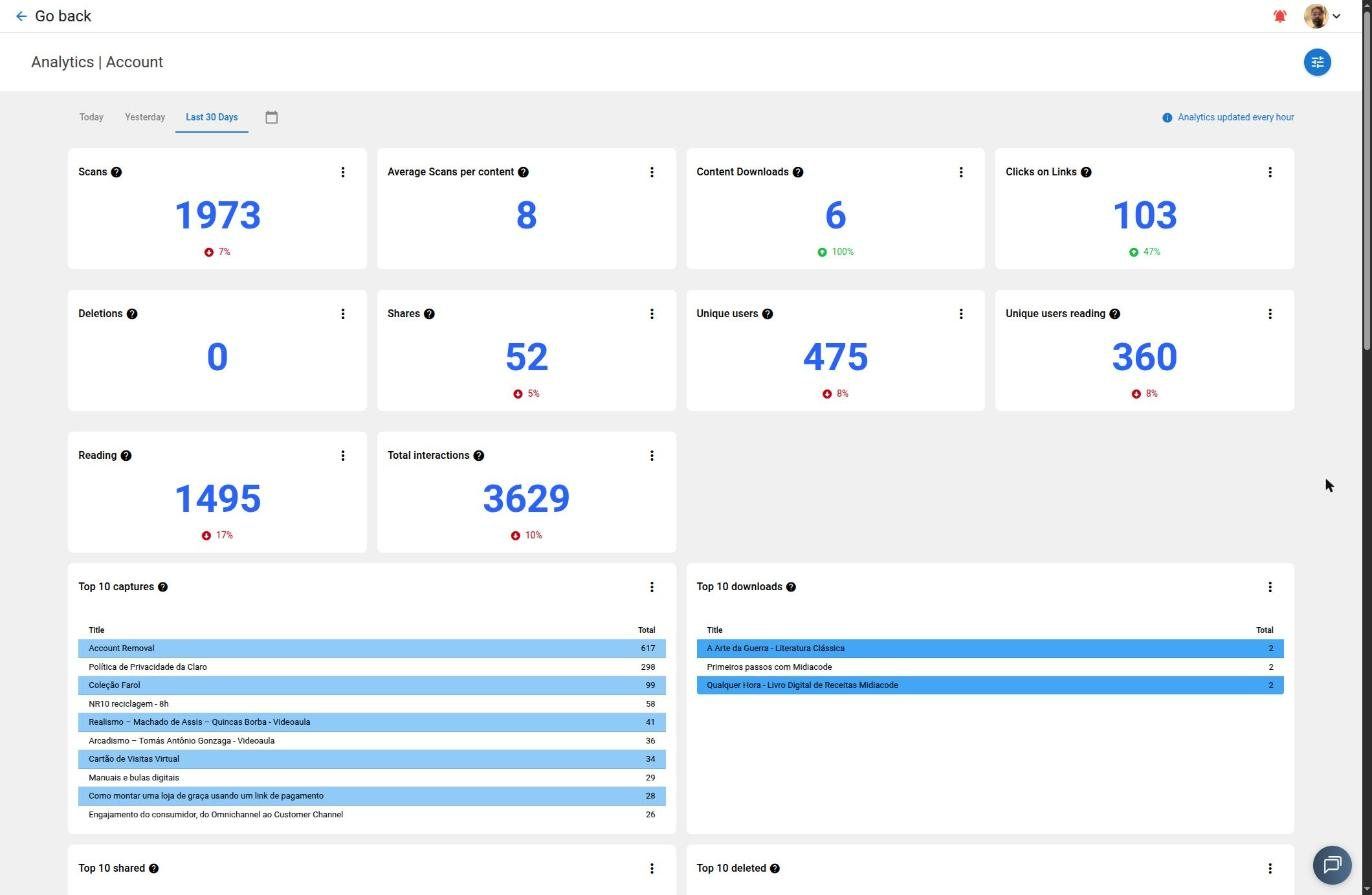
A snapshot of one account over the last 30 days in the platform’s Analytics panel — scans, interactions and users, compared with the prior period. Updated every hour.
Smart Analytics — natural-language dashboards
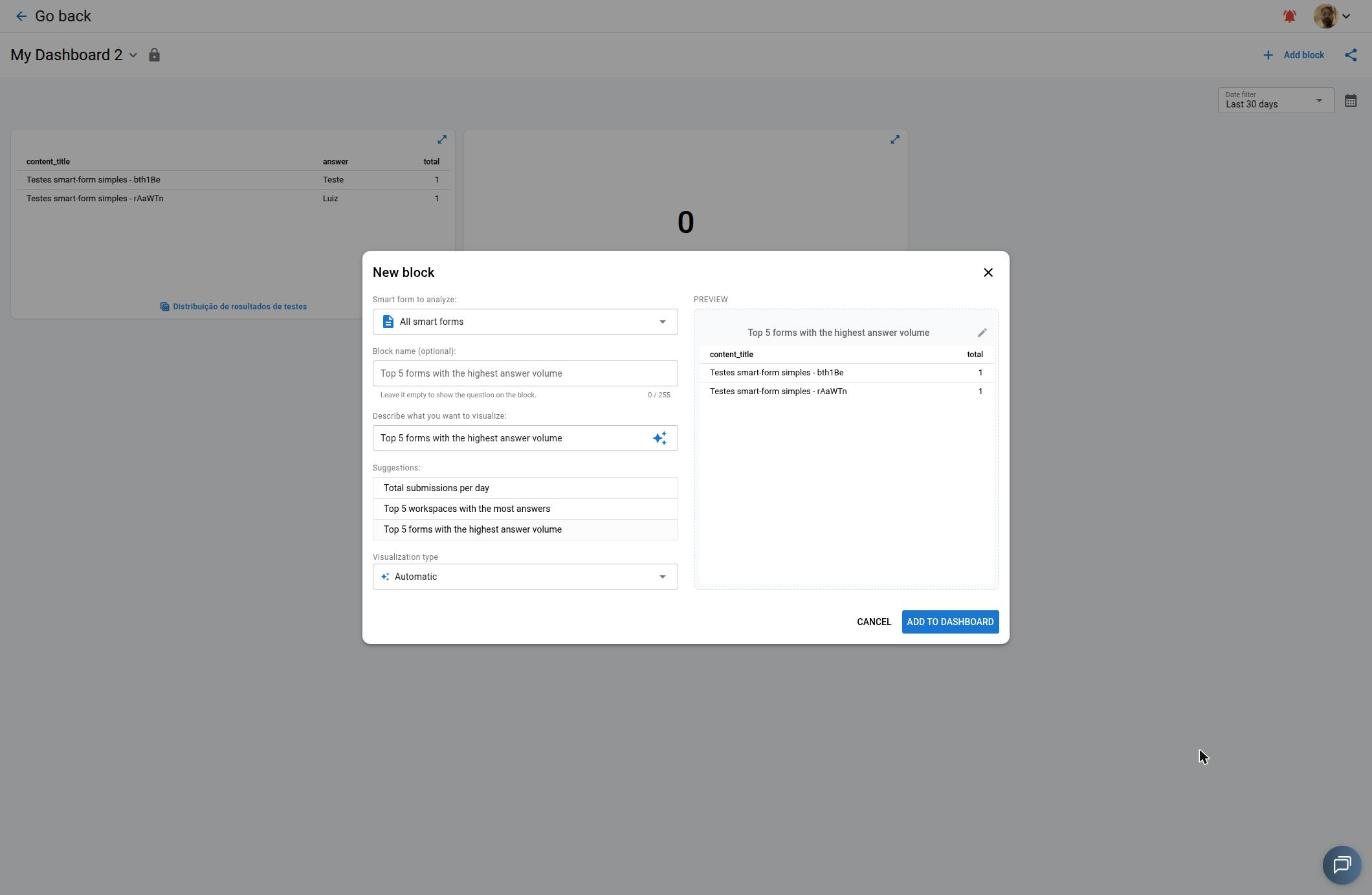
At the account level, each block is generated by describing what’s needed in natural language — AI converts the request into a query and picks the visualization. A drag-and-drop grid with resize, full screen, and layout persisted across sessions.
Talk to our specialists
Where content is born
See Studio in action with the team: content types, Smart Forms, App Manager and analytics.